
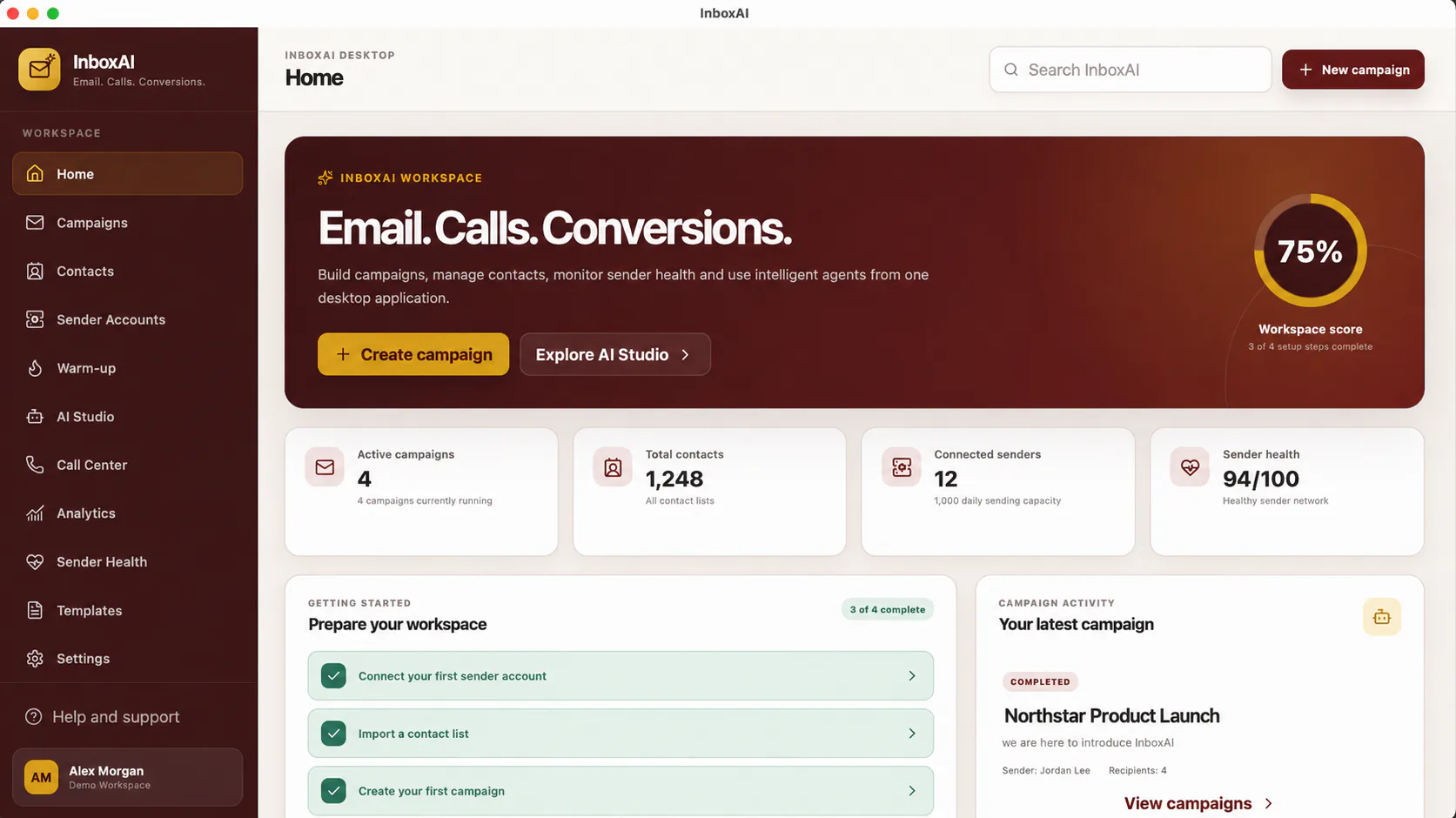
Before you begin
Confirm that your device meets the system requirements and install InboxAI only from the official Download Centre.
Prepare your first workspace
- Connect a sender account.Add an approved Gmail, Microsoft, Zoho or compatible SMTP identity.
- Prepare your contacts.Import and organise only the audience you are permitted to contact.
- Create a campaign.Choose contacts, sender accounts and a clear campaign purpose.
- Review before launch.Use sender-health guidance and confirm your content before sending.
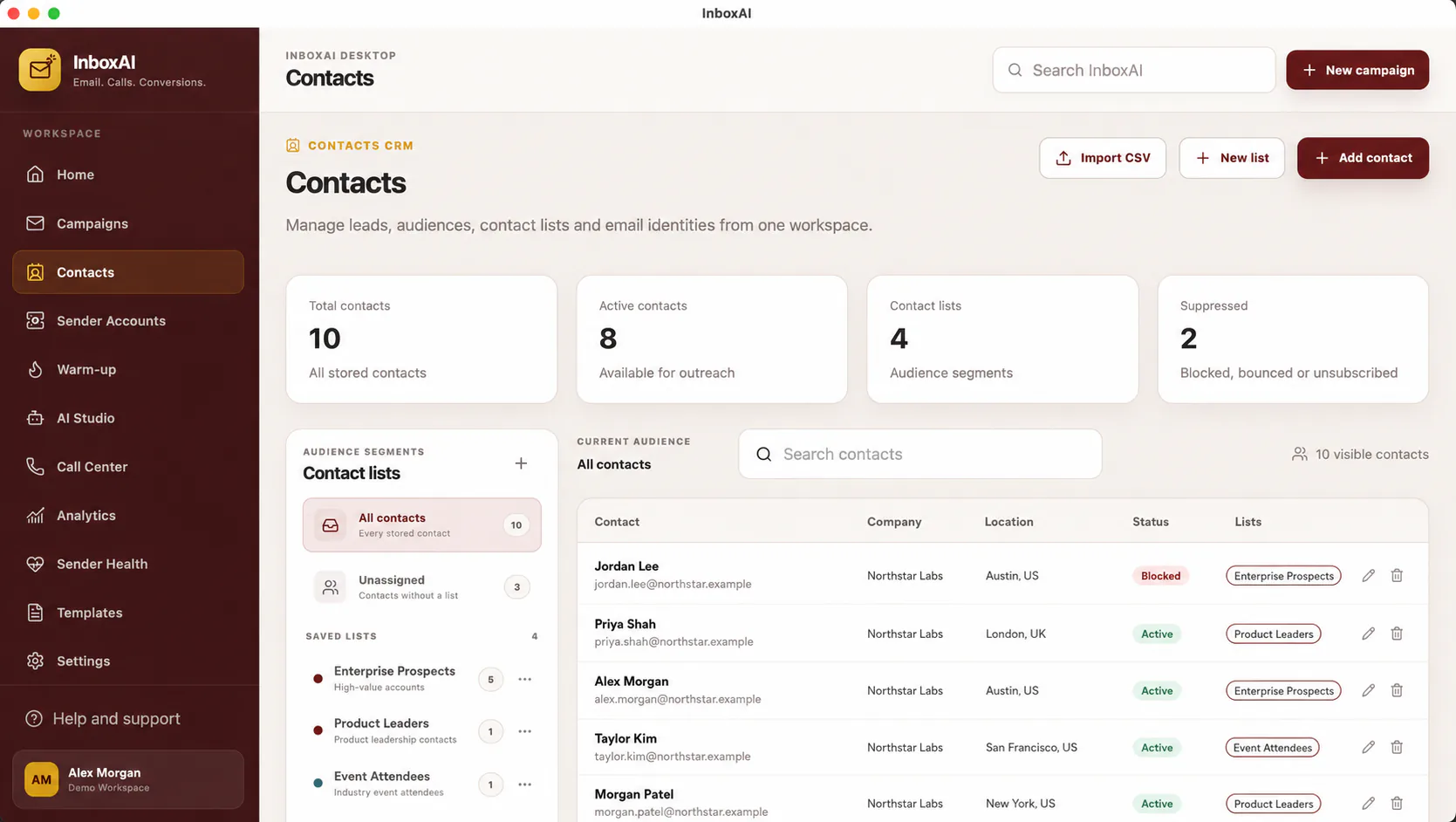
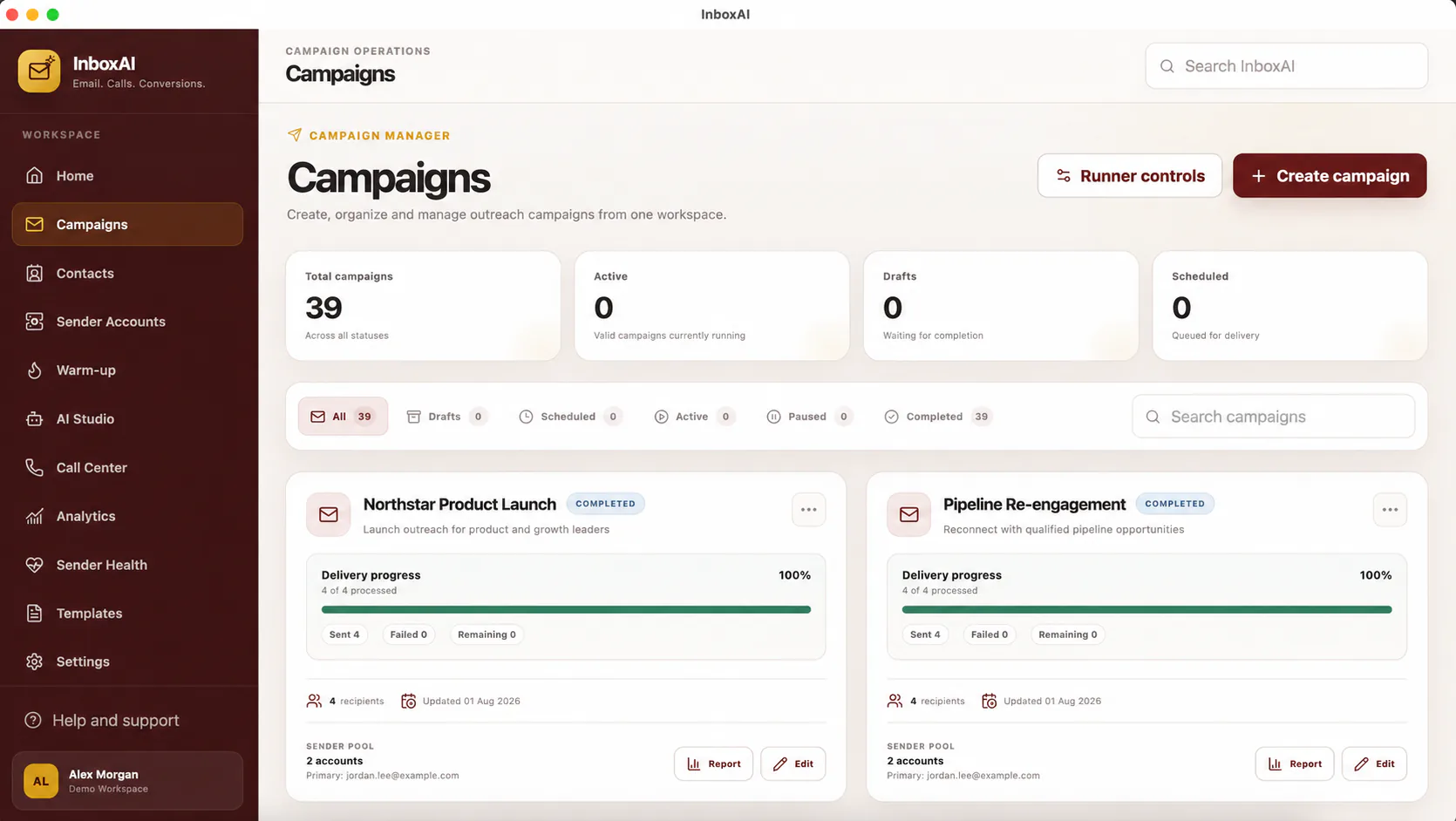
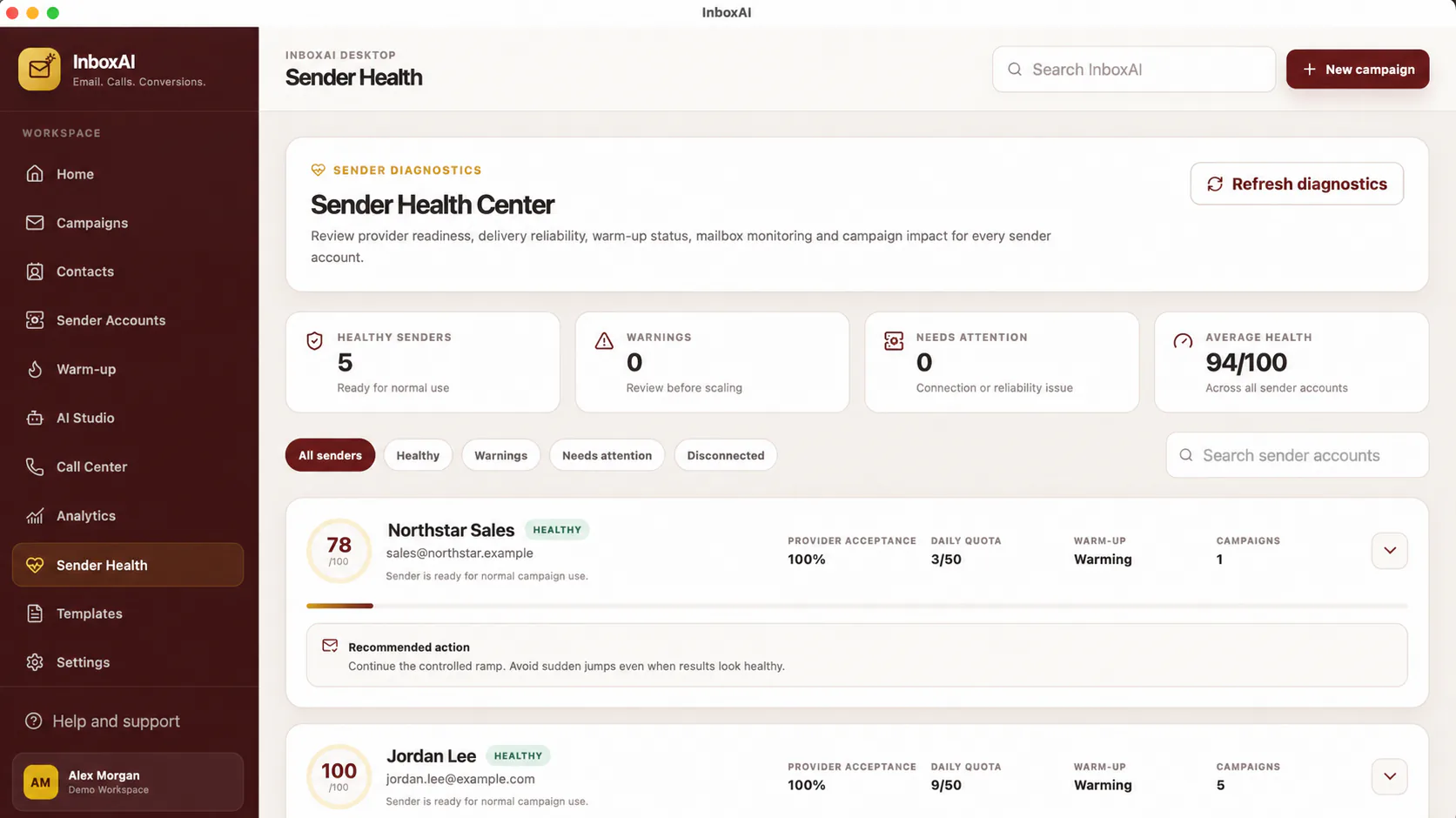
Expected result
InboxAI opens to your workspace and allows you to continue with the approved setup, activation and outreach workflow.
Need help?
Never send passwords, OAuth tokens, licence keys or full email credentials to support.
Contact support