HomeDownload InboxAI Desktop for Windows and macOS.

DOWNLOAD CENTRE

Download InboxAI Desktop for Windows and macOS.

Get the official stable InboxAI Desktop v0.1.4 installers, checksums, release notes and installation guidance.

Downloading is separate from licensing.

The official installers are available here for approved evaluation and commercial deployments. A working commercial licence is issued separately after the applicable scope, limits and payment are confirmed.

Need evaluation access?

If you are assessing InboxAI before purchase, contact our team so we can confirm evaluation access and the appropriate installation process.

Discuss evaluation access →

Ready to license InboxAI?

Review the current licensing model, deployment process and commercial terms before requesting a quotation.

Review licensing →

CURRENT STABLE RELEASE

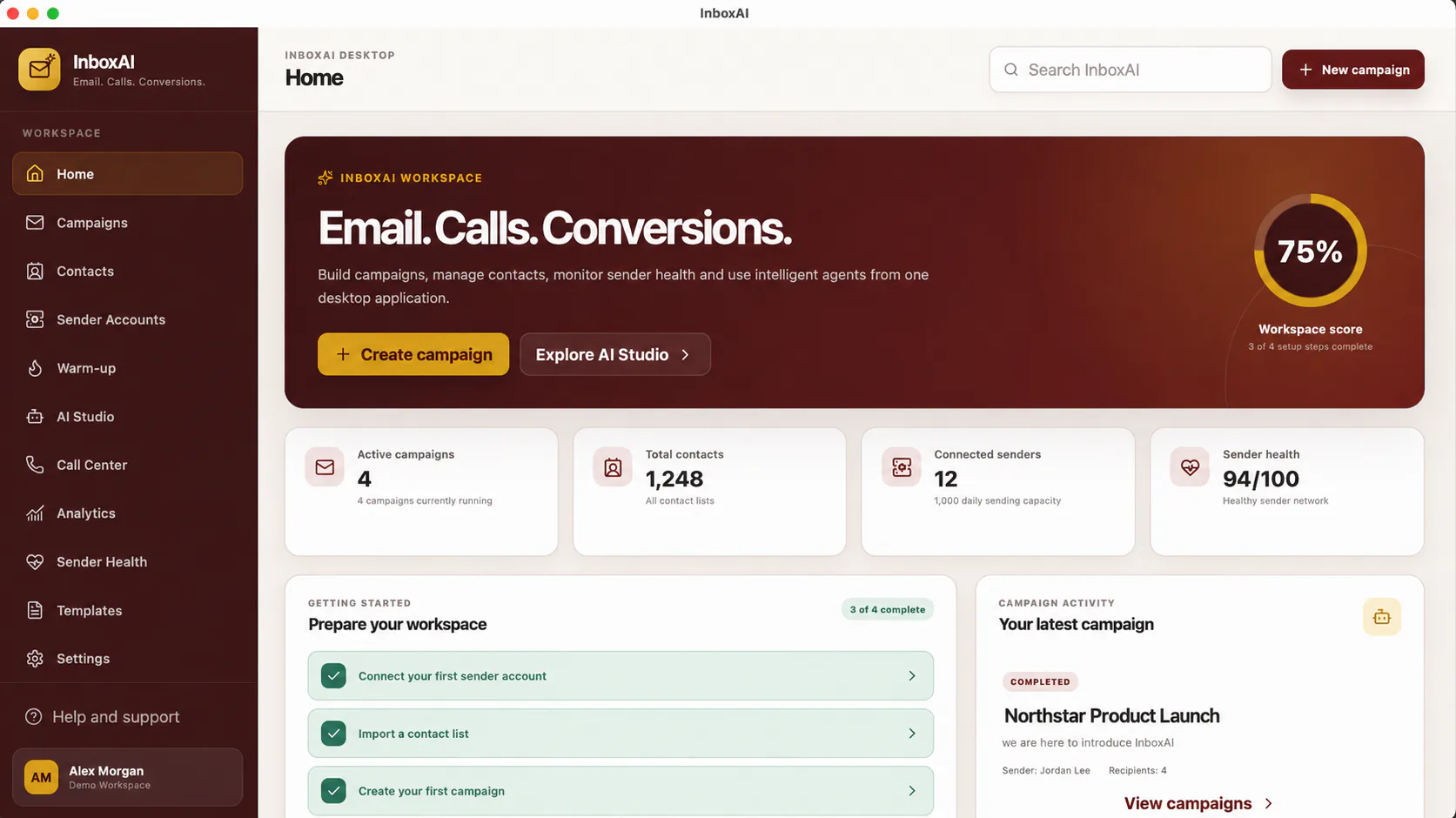
Your outreach workspace, ready where you work.

Install InboxAI v0.1.4 and keep campaigns, contacts, sender health and analytics together in one focused desktop application.

InboxAI desktop home workspace with demo campaign and sender summaries
INBOXAI HOMEReal interface · Demo data
WINDOWS · STABLE

InboxAI Desktop v0.1.4

For Windows 10 and Windows 11 x64 devices.

Operating system
Windows 10/11
Architecture
64-bit (x64)
File size
16.40 MB · 16,404,894 bytes
Installer
NSIS EXE
Release channel
Stable
Download for WindowsVerify checksum →Read release notes →
Windows SmartScreen notice

Windows SmartScreen may display a warning because InboxAI v0.1.4 is currently distributed without Microsoft Authenticode signing. Confirm that the filename and checksum match the official InboxAI download.

MACOS · STABLE

InboxAI Desktop v0.1.4

For macOS devices with Apple Silicon.

Operating system
macOS Apple Silicon
Architecture
Apple Silicon
File size
21.81 MB · 21,807,219 bytes
Installer
DMG · Apple Silicon
Release channel
Stable
Download for macOSVerify checksum →Read release notes →
macOS signing notice

InboxAI v0.1.4 for macOS is currently distributed without Apple Developer ID signing or notarization. After copying InboxAI to Applications, macOS may require you to right-click the app and select Open, or allow it through System Settings → Privacy & Security.

Installation instructions →
Official release assetsDirect, versioned downloads served from downloads.inboxai.info.
Stable v0.1.4Current Stable release for Windows x64 and macOS Apple Silicon.
SHA-256 checksumsCompare your installer with the official platform checksum file.