Documentation centre
Step-by-step guidance for installation, activation, sender accounts, contacts, campaigns, templates and product settings.
Open documentation→ Download
RESOURCE CENTRE
Use the resource centre for product documentation, quick answers, release information, installer verification and direct support.
Begin with the product overview, confirm your system requirements, download the correct installer and follow the platform-specific installation guide.
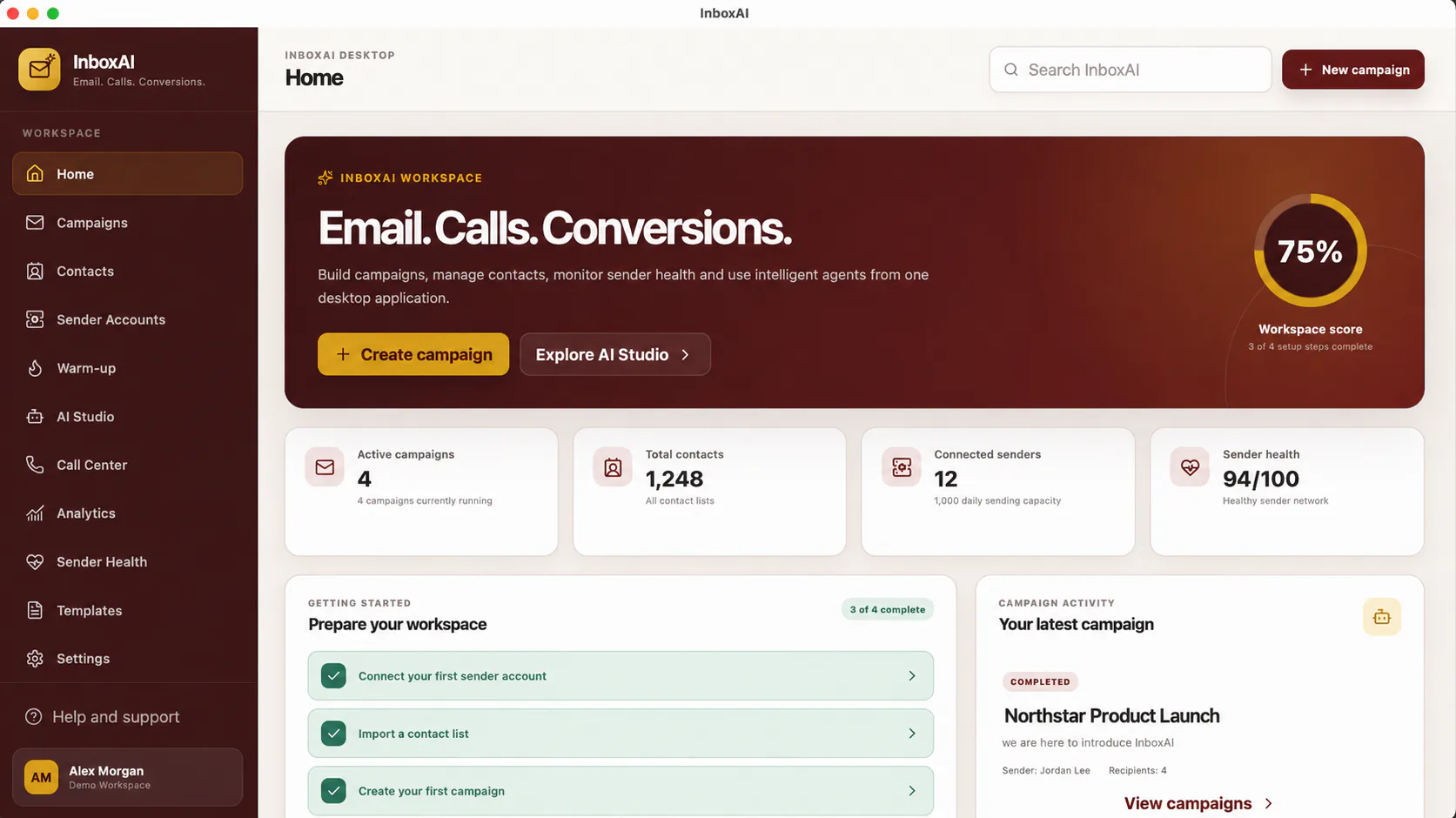
Step-by-step guidance for installation, activation, sender accounts, contacts, campaigns, templates and product settings.
Open documentation→Clear answers about supported platforms, installation, licensing, sender accounts, privacy and commercial access.
Browse FAQs→Review the current stable release, supported installers, known signing notices and platform information.
Read release notes→Compare the SHA-256 result of your downloaded installer with the official checksum published on downloads.inboxai.info.
Verify a download→Check operating-system, processor, memory, storage and connectivity requirements before installing InboxAI Desktop.
View requirements→Review privacy, security, responsible use, licensing, installer verification and public policy information in one place.
Open trust centre→See the current release, planned improvement themes and the public record of InboxAI Desktop versions.
View roadmap→Send a sales, licence, installation or product-support enquiry to the InboxAI team through the secure contact form.
Contact support→Understand AI-assisted, bulk, desktop and outreach software categories before deciding which operating model fits your team.
Explore buyer guides→Understand the difference between simply sending email and managing the full campaign lifecycle around audience, senders, content, status and analytics.
Explore campaign management→Review how InboxAI approaches sender-health guidance, responsible sending and deliverability-aware campaign preparation without making inbox-placement guarantees.
Explore deliverability guidance→EXPLORE INBOXAI BY USE CASE
Explore focused guides covering AI-assisted outreach, bulk email, desktop workflows, campaign management, deliverability, sender health and email design.
See how InboxAI uses AI assistance for drafting and refinement while keeping campaign decisions under human control.
Explore guide →Understand how contacts, approved sender accounts, campaign preparation and responsible sending fit into one workflow.
Explore guide →Explore the dedicated Windows and macOS operating model behind InboxAI Desktop.
Explore guide →Review the complete outreach workflow from audience preparation through campaign learning.
Explore guide →Learn how campaign status, senders, audiences, content and analytics connect around the send itself.
Explore guide →Understand deliverability signals, sender conditions and the factors InboxAI can and cannot influence.
Explore guide →See how sender-health signals and recommended actions support better campaign decisions.
Explore guide →Explore reusable email layouts inside InboxAI Studio and the wider campaign workflow.
Explore guide →Include the operating system, InboxAI version and a concise description. Never send passwords, API keys, licence secrets or live customer data.