
Start with the exact symptom
Record what you attempted, the page or feature involved, the exact visible message and whether the issue repeats after restarting.
- Confirm the current versionUse InboxAI Desktop v0.1.4 and the supported operating system.
- Restart safelyClose the application completely and reopen it.
- Check connectivityConfirm the computer and required provider services are reachable.
- Test the smallest workflowUse a controlled sender, a small demo contact set and a draft campaign.
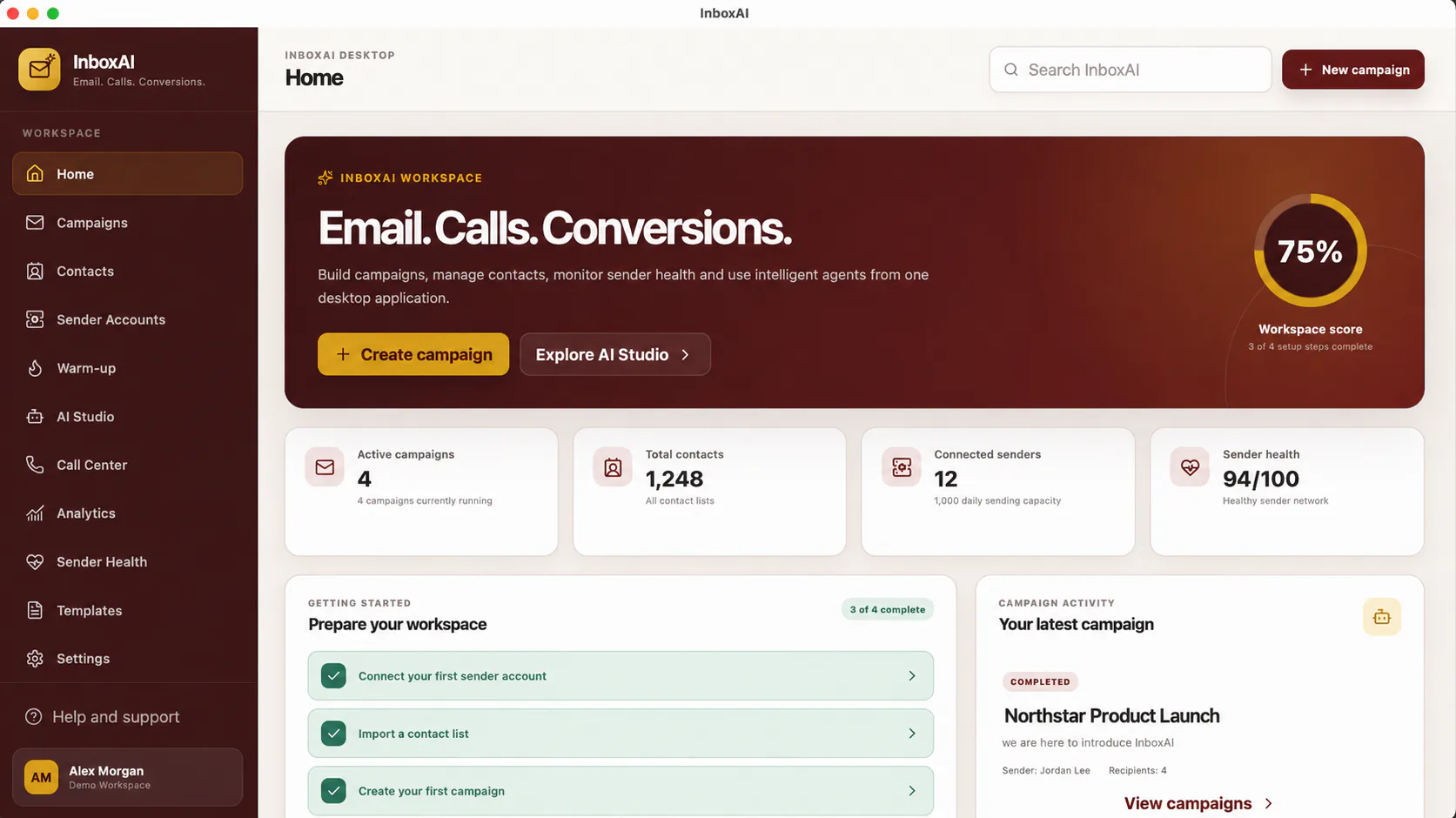
- Capture a safe screenshotRemove addresses, tokens, licence details and personal contact data.
- Contact supportProvide steps to reproduce, system version and the sanitised error message.
Common issue categories
Installer warnings are covered in Installer Blocked. Activation issues require licence and device checks. Sender problems require provider connectivity and authentication review. Import problems usually involve CSV structure, invalid fields or unsupported encoding.
!
Never post secrets in diagnostics
Do not share SMTP passwords, API keys, OAuth tokens, recovery codes, database credentials or complete licence keys.
NEED MORE HELP?
Contact InboxAI support.
Share the exact issue and a sanitised screenshot. Never include passwords, tokens or full licence keys.