
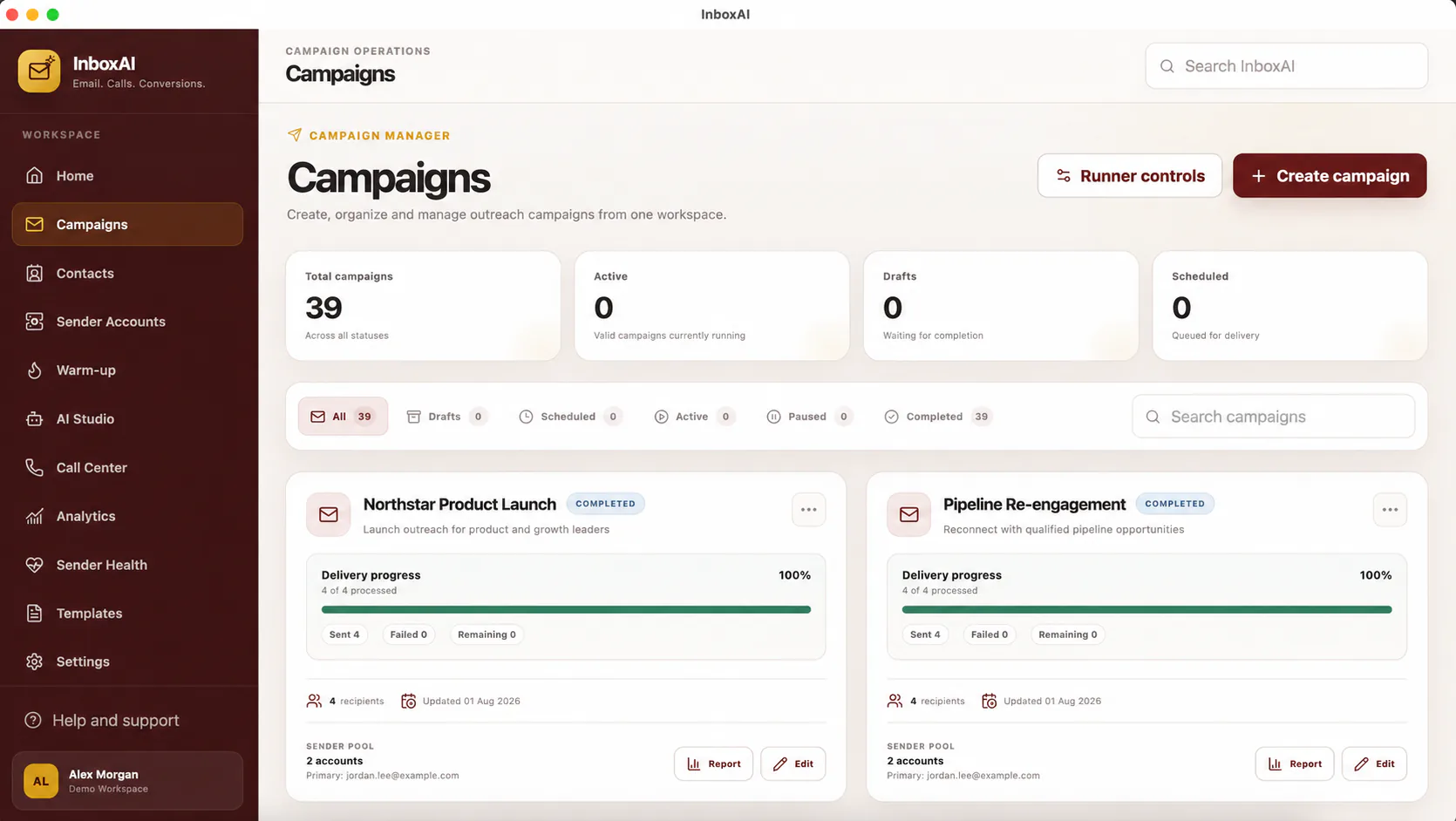
The campaign lifecycle
The available states describe the intended operating condition of a campaign.
- DraftThe campaign is being prepared and should not send.
- ScheduledThe campaign has a future start time and requires a final review before that time.
- ActiveSending or campaign processing is in progress.
- PausedFurther activity is intentionally stopped while the campaign is reviewed.
- CompletedThe planned campaign activity has finished and results can be reviewed.
Before changing status
Confirm audience, sender, content, schedule, suppression handling and current sender-health signals.
!
Pause when results are unexpected
Unexpected failures, bounces, complaints, provider warnings or content mistakes should be investigated before activity resumes.
NEED MORE HELP?
Contact InboxAI support.
Share the exact issue and a sanitised screenshot. Never include passwords, tokens or full licence keys.