
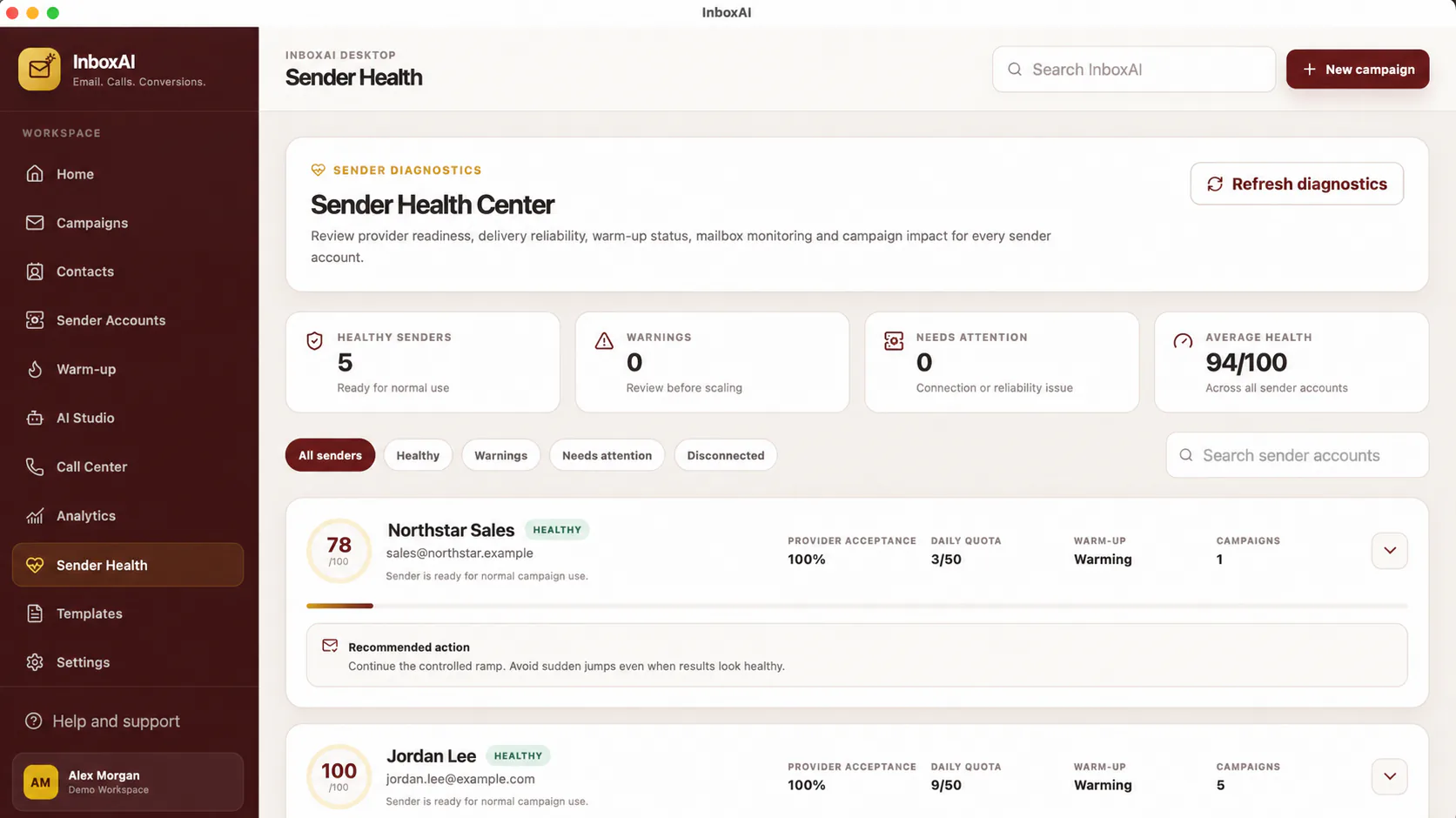
Read signals as guidance
A health score or recommendation is directional information, not a guarantee of delivery or inbox placement.
- Review authenticationCheck SPF, DKIM and DMARC configuration for the sending domain.
- Review connectivityConfirm the sender remains connected and provider access is valid.
- Review recent behaviourLook for unusual bounce, complaint or failure patterns.
- Resolve high-priority issuesCorrect technical failures before increasing campaign activity.
- Retest after changesAllow DNS and provider changes time to propagate where applicable.
What InboxAI cannot control
Mailbox-provider filtering, recipient engagement, domain history, content reputation, blocklists and external infrastructure can affect outcomes.
!
Do not treat a score as permission to send
Recipient permission, provider rules and applicable law remain your responsibility.
NEED MORE HELP?
Contact InboxAI support.
Share the exact issue and a sanitised screenshot. Never include passwords, tokens or full licence keys.