
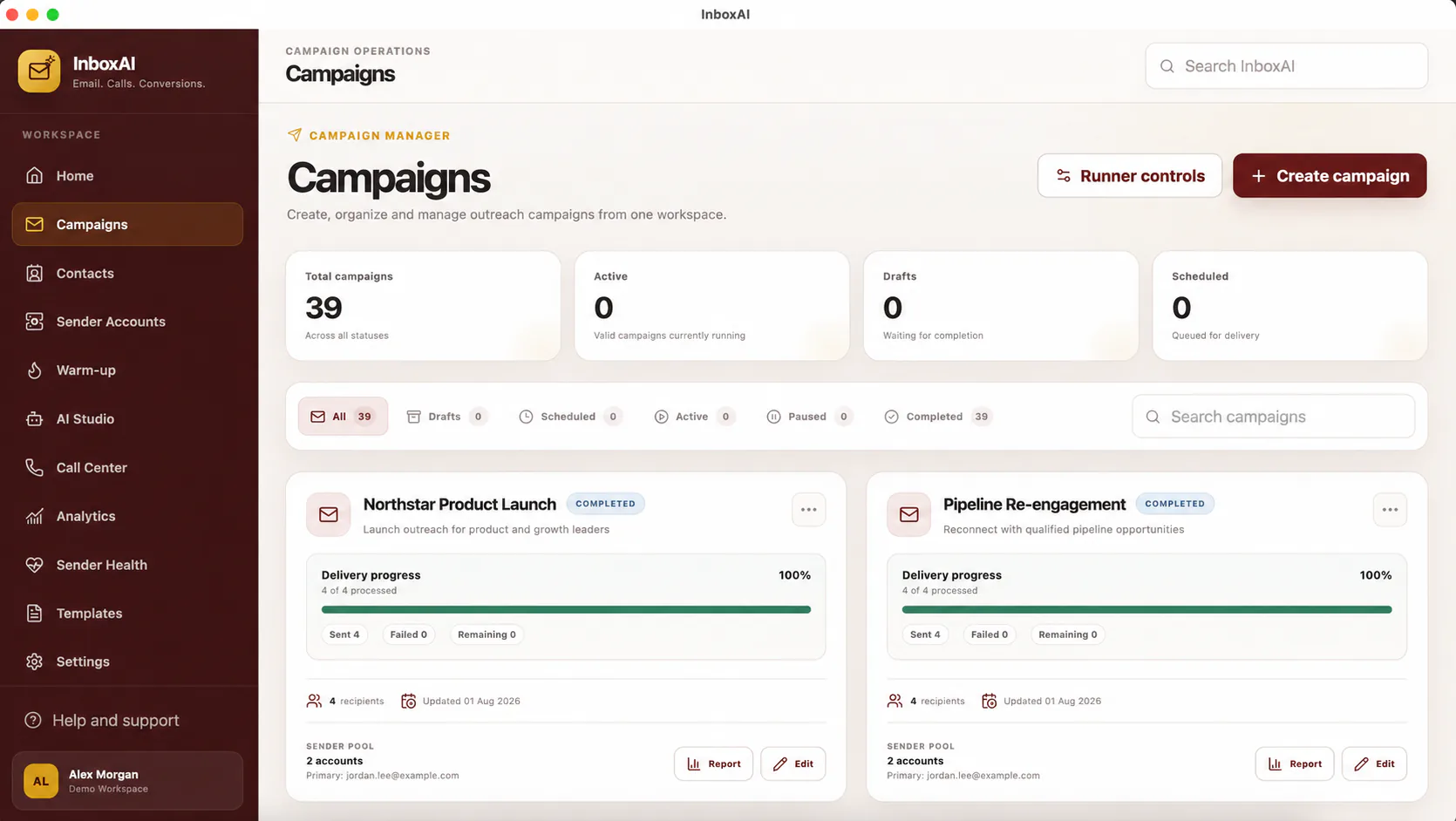
Build the campaign
Start with a small internal or controlled audience while learning the workflow.
- Name the campaignUse a clear internal name that explains the purpose and audience.
- Choose contactsSelect the intended segment rather than the entire contact database.
- Select a senderUse a connected, healthy and authorised sender account.
- Create the messageWrite relevant content with an accurate subject and sender identity.
- Review settingsConfirm recipients, links, variables, scheduling and compliance details.
- Test before launchSend to controlled mailboxes and inspect desktop and mobile rendering.
Launch responsibly
Begin conservatively, monitor provider feedback and pause when errors, complaints or unexpected results appear.
!
InboxAI does not guarantee inbox placement
Mailbox providers and recipient systems make final delivery and placement decisions.
NEED MORE HELP?
Contact InboxAI support.
Share the exact issue and a sanitised screenshot. Never include passwords, tokens or full licence keys.