
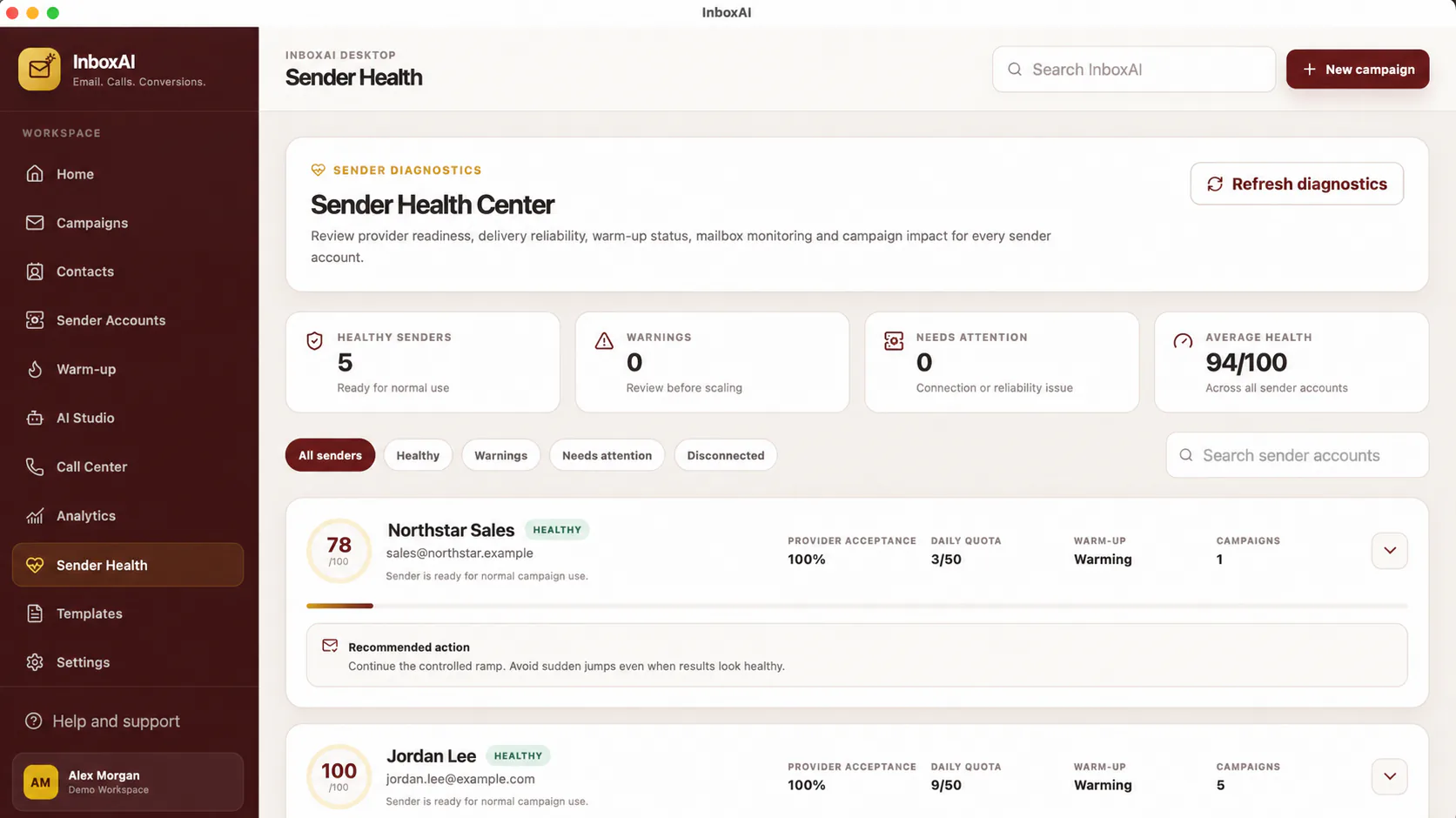
Prepare the account
Use an address owned or administered by your organisation. Confirm provider policy, account security, sending permission and any required SMTP or OAuth configuration.
- Choose the sender identityUse a clear From name and an address recipients can recognise.
- Confirm provider accessUse the provider-approved connection method and avoid sharing credentials.
- Add the account in InboxAIEnter only the required configuration and save the connection.
- Run the available checksReview authentication, connectivity and sender-health guidance.
- Send a controlled testUse a mailbox you own before selecting a real audience.
Authentication and reputation
A technically connected account is not automatically ready for high-volume sending. SPF, DKIM, DMARC, domain history, content quality and recipient behaviour all influence delivery.
!
Do not upload credentials to support
Mask passwords, tokens, licence keys and sensitive account identifiers in screenshots.
NEED MORE HELP?
Contact InboxAI support.
Share the exact issue and a sanitised screenshot. Never include passwords, tokens or full licence keys.