
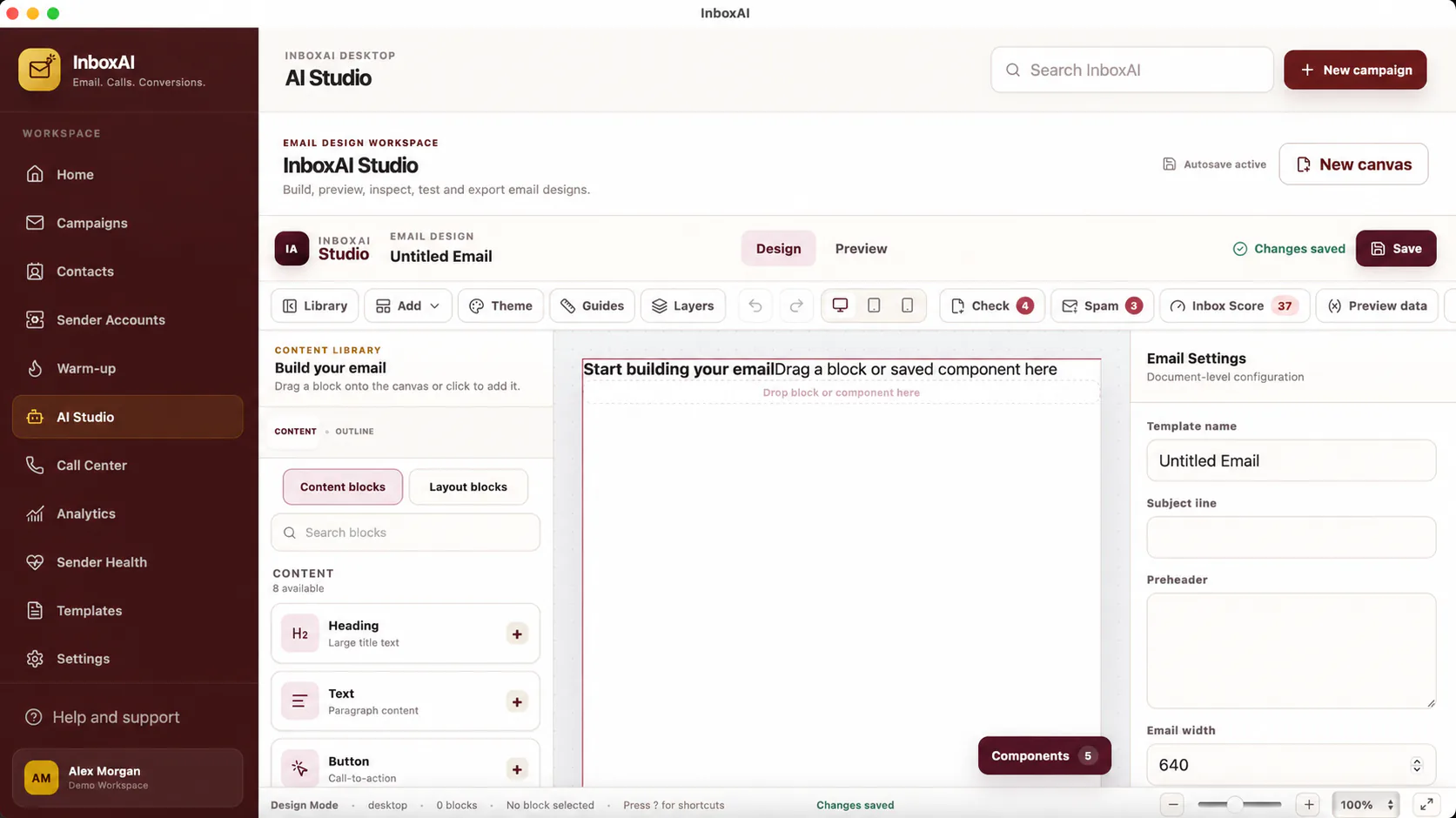
Create a practical email
Prioritise a clear hierarchy and useful content over decorative complexity.
- Start with the purposeDefine the single action or response the message should encourage.
- Use a clear structureCombine a recognisable sender, concise opening, useful body and honest call to action.
- Add images carefullyUse descriptive alternative text and avoid making the entire email one image.
- Review variablesConfirm every personalisation field has a safe fallback.
- Preview and testInspect the design at common widths and send a real test message.
Keep templates reusable
Use neutral demo data and descriptive template names so team members understand when a design should be used.
i
Email clients behave differently
Always test important templates in the providers and devices most relevant to your audience.
NEED MORE HELP?
Contact InboxAI support.
Share the exact issue and a sanitised screenshot. Never include passwords, tokens or full licence keys.