
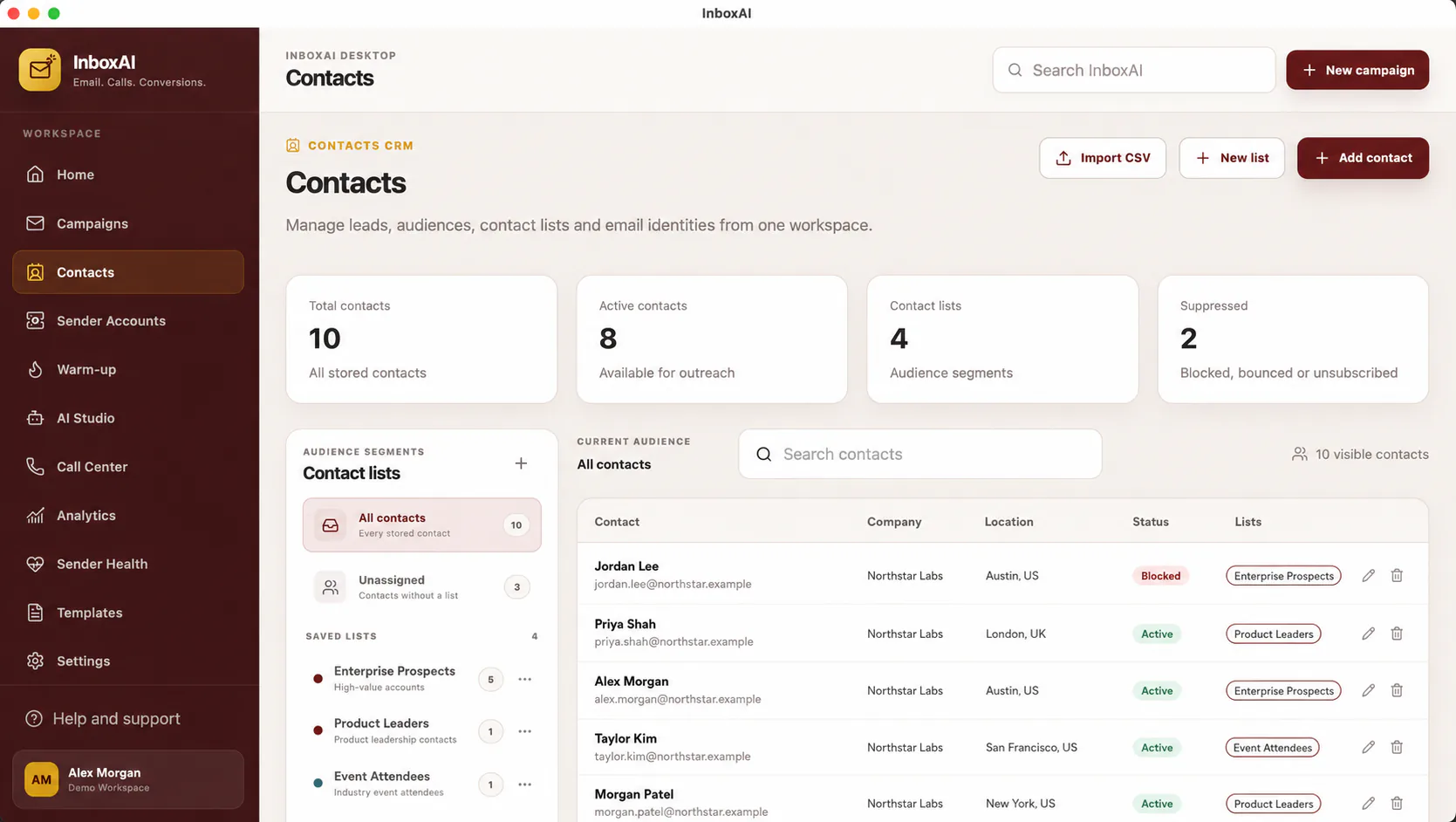
Prepare the CSV
Use UTF-8 encoding, one header row and one contact per row.
- Create a required email columnUse consistently formatted email addresses and remove obvious invalid values.
- Use simple field namesExamples include first_name, last_name, company and segment.
- Remove duplicatesChoose the most current authorised record for each address.
- Exclude suppression recordsDo not import unsubscribed, bounced, complained or prohibited contacts.
- Save a clean copyKeep the original source separately and import only the reviewed file.
Map and validate
Match each CSV column to the intended InboxAI field, preview representative rows and begin with a small test import.
!
Permission is not created by import
A technically valid CSV does not establish consent, legitimate interest or any other lawful basis to contact its recipients.
Review the result
Check total records, missing fields, duplicates, segmentation and personalisation fallbacks before using the imported audience in a campaign.
NEED MORE HELP?
Contact InboxAI support.
Share the exact issue and a sanitised screenshot. Never include passwords, tokens or full licence keys.