
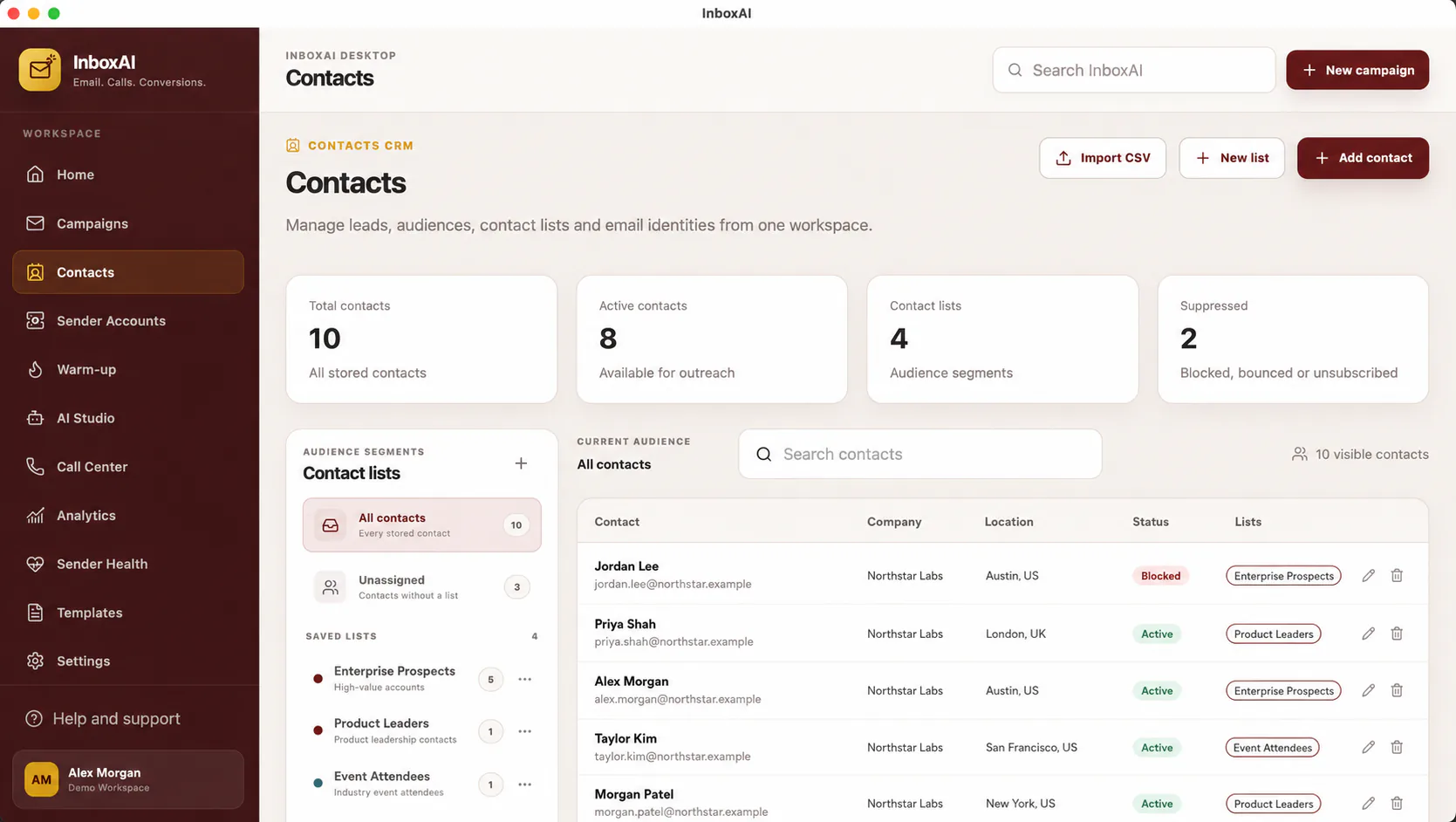
Prepare the source file
Use a CSV with a clear header row and one contact per row.
- Keep an email columnUse valid, consistently formatted addresses.
- Add useful fieldsFirst name, company and relevant segmentation fields can support personalisation.
- Remove duplicatesKeep a single current record for each intended recipient.
- Exclude suppressed contactsDo not re-import unsubscribed, bounced or prohibited recipients.
- Review permissionRetain only contacts your organisation is lawfully permitted to reach.
Import deliberately
Map columns carefully, preview the records and use a small test import when the source structure is new.
i
Quality is more important than list size
A smaller relevant audience is safer and usually more useful than an unverified bulk list.
NEED MORE HELP?
Contact InboxAI support.
Share the exact issue and a sanitised screenshot. Never include passwords, tokens or full licence keys.