
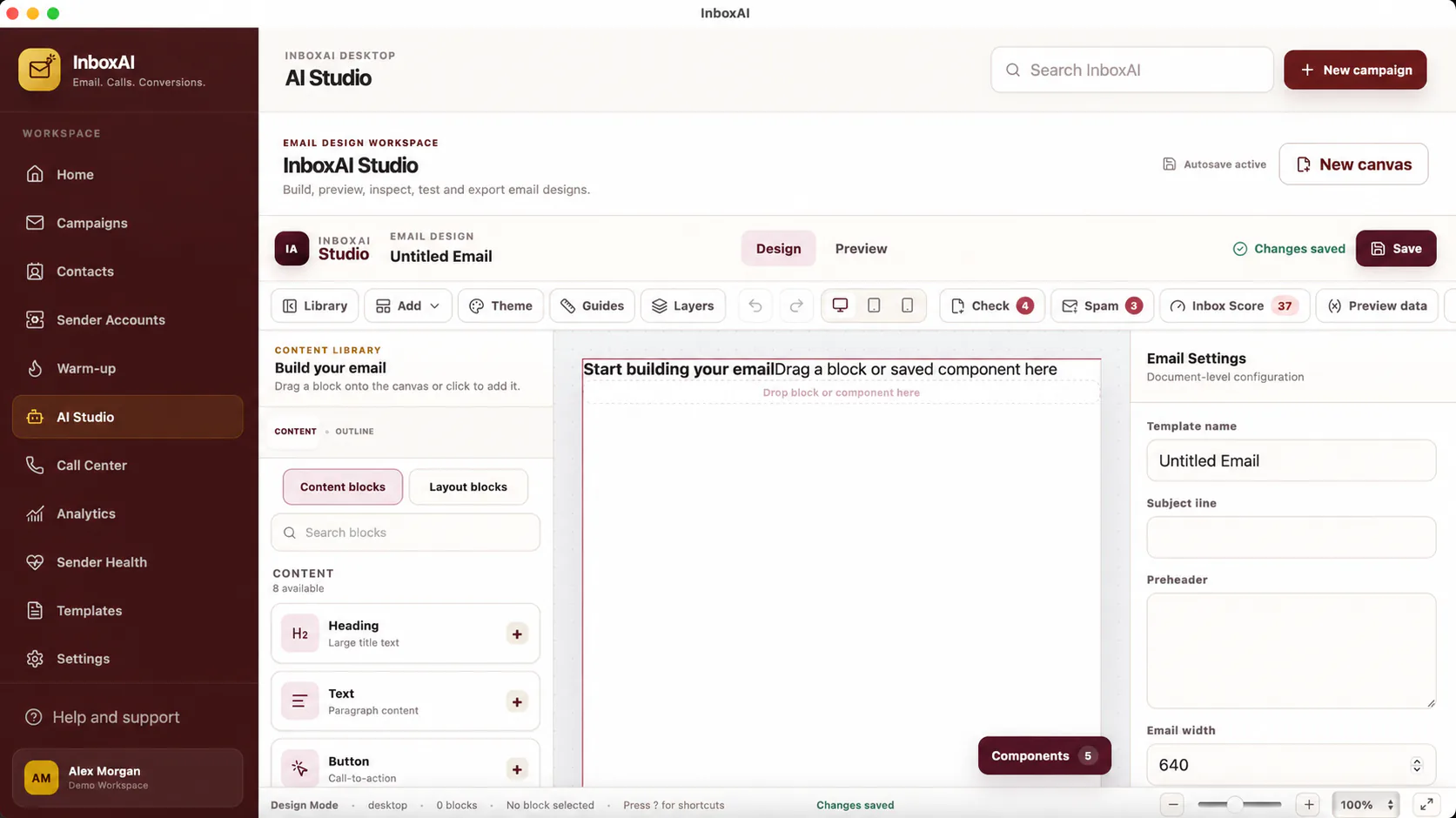
Build a reusable foundation
A template should reduce repeated work without turning every campaign into the same message.
- Name the template clearlyUse a purpose-led name such as Product update, Event invitation or Customer follow-up.
- Keep the structure modularSeparate header, message body, call to action and footer so content is easy to review.
- Use safe personalisationAdd only fields that exist in the selected contact data and provide sensible fallbacks.
- Check accessibilityUse readable contrast, descriptive link text and alternative text for meaningful images.
- Send a real testInspect rendering, links and variables in representative inboxes before reuse.
Maintain the library
Archive outdated designs, avoid near-duplicate templates and record when a template was last reviewed.
i
A template is not a finished campaign
Audience, sender identity, subject line and compliance details must still be reviewed every time the template is used.
NEED MORE HELP?
Contact InboxAI support.
Share the exact issue and a sanitised screenshot. Never include passwords, tokens or full licence keys.